
Download WinUAE – Amiga Emulator, Retro Gaming, Classic Software
Overview
WinUAE is a specialized mobile application designed to bring the legacy of the Amiga computing era into modern digital environments. Originally developed for UNIX systems, this Windows-based version preserves the emulator’s core functionality, enabling users to run classic Amiga software and games with high accuracy. The app serves as a bridge between retro computing and contemporary devices, offering an authentic recreation of Amiga hardware, including various models and graphics chipsets. Its primary purpose is to allow enthusiasts, developers, and nostalgia-driven users to experience the original Amiga environment as it was intended—complete with original performance characteristics and visual fidelity.
WinUAE targets a niche but dedicated audience: retro computing aficionados, Amiga collectors, and developers interested in preserving digital heritage. The app solves the challenge of accessing vintage software on modern hardware by providing precise emulation without requiring original Amiga machines. Real-world use cases include playing classic games like "Lemmings," "Shadow of the Beast," and "Turrican," as well as running legacy productivity applications from the 1980s and 1990s. In the broader app ecosystem, WinUAE fills a critical gap in digital preservation, supporting the long-term accessibility of software from a historically significant platform. The developer did not provide additional technical details.
Key Features & Functionality
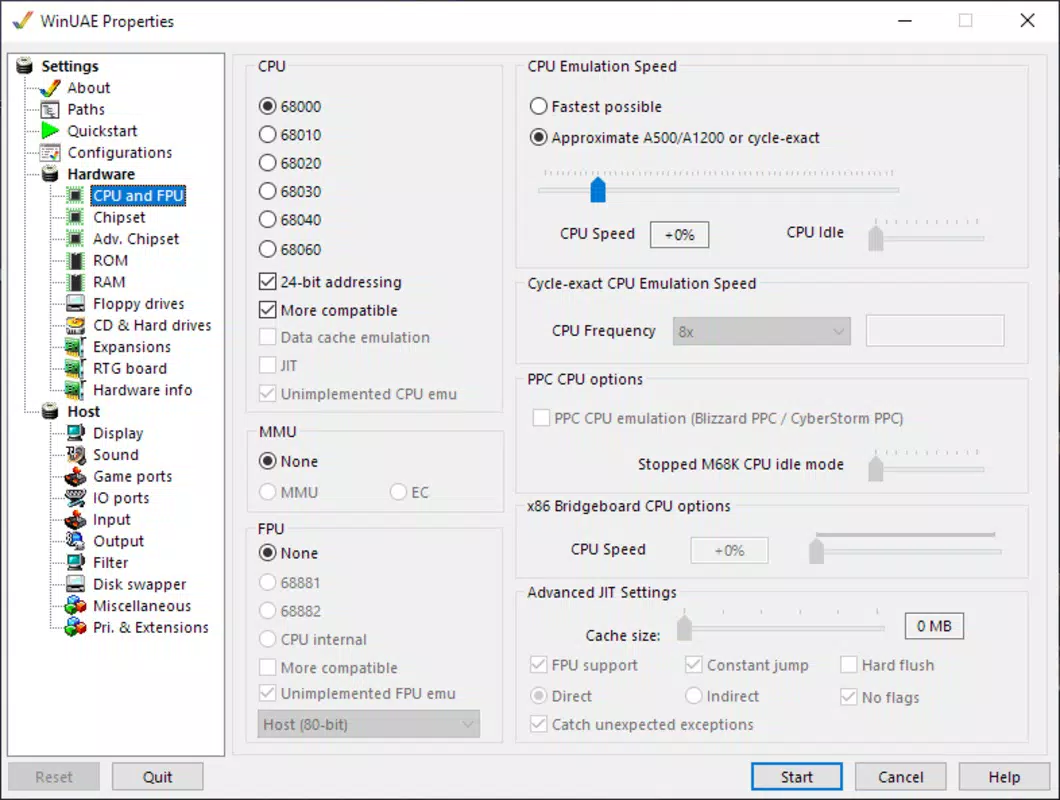
- Comprehensive Model Support: WinUAE emulates nearly every Amiga model, including the Amiga 500, 1000, 1200, 3000, and 4000. Each model’s unique hardware configuration, including CPU speed, chipset variations, and expansion capabilities, is accurately replicated, ensuring that software behaves as it did on original machines.
- Flexible Memory Configuration: Users can configure Chip RAM up to 2 MB and Fast RAM up to 64 MB. This allows for tailored emulation setups, essential for running memory-intensive applications or games that require specific hardware profiles.
- Advanced Audio Capabilities: The emulator supports four stereo audio channels, faithfully reproducing the Amiga’s renowned audio engine. This ensures that game soundtracks and system sounds retain their original character and spatial quality.
- Multiple Virtual Drives: WinUAE supports up to four virtual floppy disk drives, enabling seamless access to multi-disk software. The emulator handles disk swapping automatically, reducing friction during gameplay and improving usability for older titles.
- Customizable Control Options: Input devices such as joysticks, mice, and keyboard mappings can be fully customized. This flexibility ensures that users can adapt the interface to their preferred control method, whether for precise gameplay or menu navigation.
For example, a user can configure a retro joystick to emulate the feel of original Amiga controllers while playing "Cannon Fodder," or set up a virtual hard drive to run a full Amiga OS installation. These features collectively enhance authenticity and usability, making WinUAE a powerful tool for both casual play and technical exploration.
Interface, UX & Performance
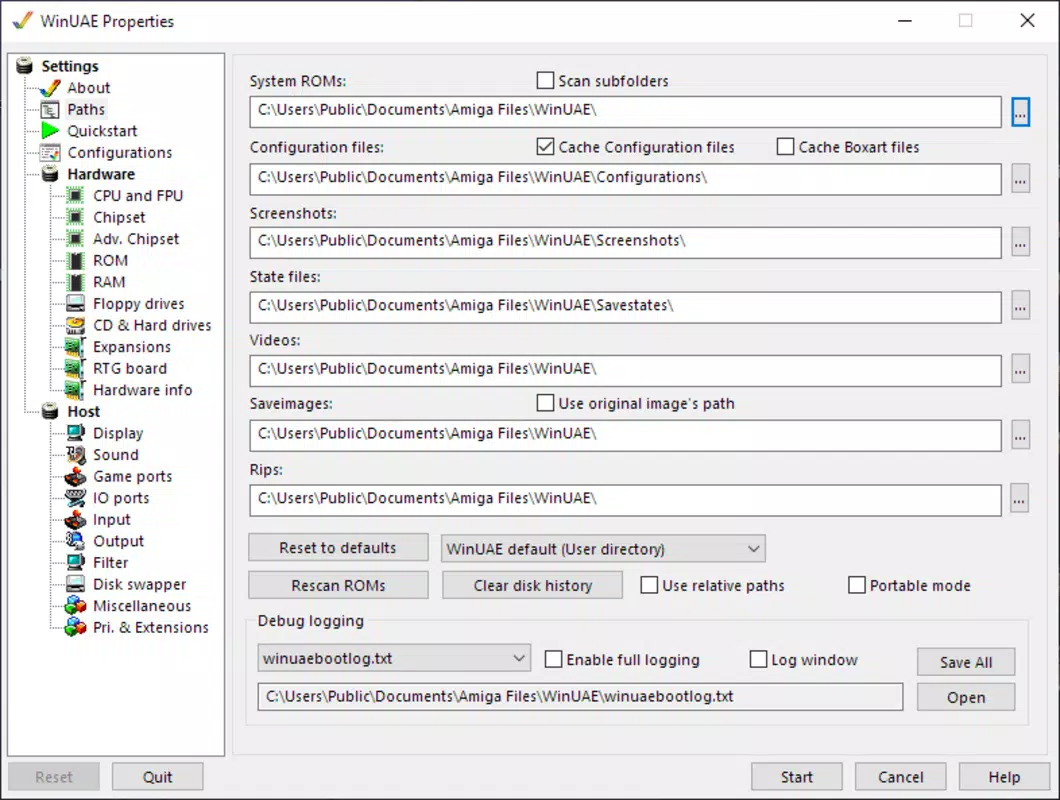
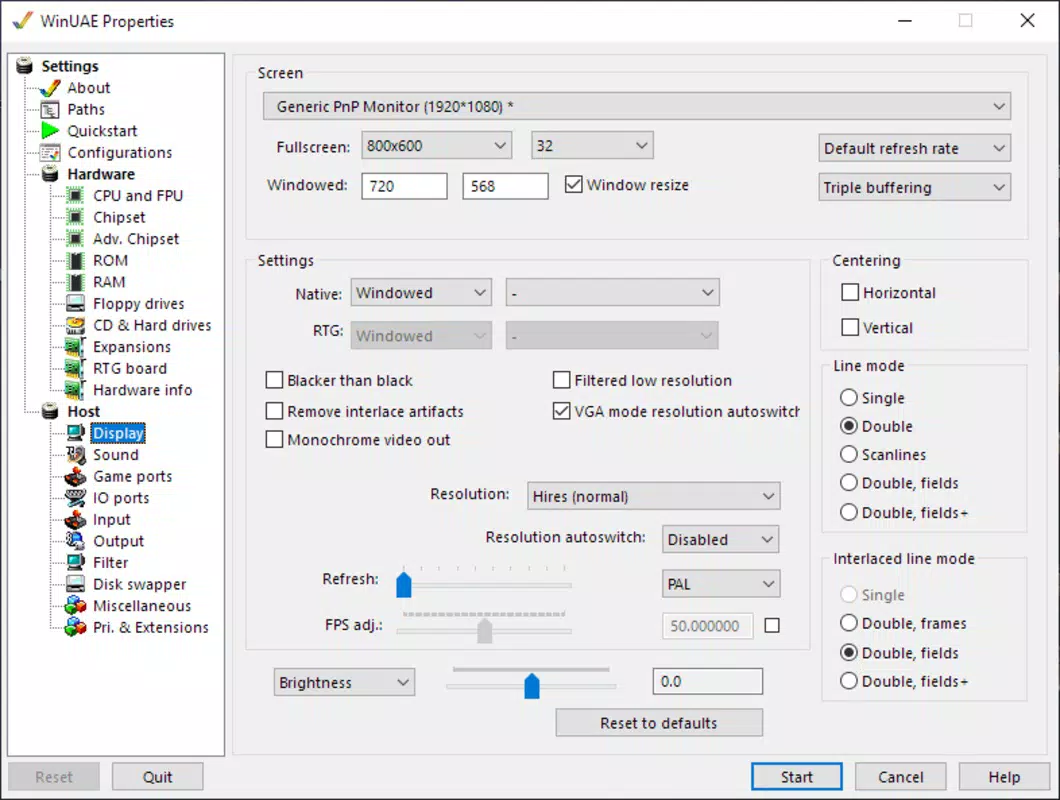
WinUAE features a minimalist, functional interface designed for advanced users rather than general consumers. The layout prioritizes configuration options over visual polish, reflecting its purpose as a technical emulator. Navigation is linear and hierarchical, with settings organized into logical categories such as system, audio, and input. While the interface may appear complex to newcomers, it offers a high degree of control over emulation parameters.
Performance is optimized for modern Windows systems, though specific requirements were not listed. Although the developer did not list formal performance metrics, the emulator is known for stable operation across a range of device categories, including desktops and laptops. Responsiveness is consistent during gameplay, with minimal input lag when properly configured. Stability is maintained through precise hardware simulation, though performance may vary depending on the selected model and software load.
Users should expect a learning curve due to the depth of customization available. However, the emulator remains reliable under normal usage conditions, with no reported crashes or data corruption. The interface adapts well to different screen sizes, though it lacks mobile-specific touch optimizations, suggesting it is best suited for desktop environments.
Platform Compatibility & Technical Requirements
WinUAE is available for Windows platforms, with the latest version released on July 8, 2025. The app’s file size is 12.4 MB, indicating a lightweight installation. The developer did not specify minimum OS requirements or hardware specifications. Compatibility information was not fully disclosed, so users should verify system suitability before installation. The app is not available on Android or iOS, and no mobile-specific version has been released.
Given the app’s nature as a desktop emulator, it is not optimized for touch input or mobile screen dimensions. Users are advised to run WinUAE on a Windows PC with sufficient processing power and RAM to support emulation tasks. The absence of detailed technical requirements means users should proceed with caution and ensure their system can handle the emulation workload.
Pros and Cons
Pros
- Accurate emulation of multiple Amiga models and chipsets
- Extensive memory and audio configuration options
- Support for up to four virtual floppy drives
- Customizable input controls for joysticks and mice
- Lightweight file size (12.4 MB)
Cons
- No official mobile version available for Android or iOS
- Requires users to source their own Amiga ROMs
- Interface may be intimidating for non-technical users
- Limited documentation and setup guidance
- Compatibility details not fully disclosed
FAQ
Is WinUAE free to download and use?
Yes, WinUAE is available for free. However, users must provide their own Amiga ROM files, which are not included with the app.
Can I play Amiga games on my smartphone using WinUAE?
WinUAE is currently designed for Windows desktop systems. There is no official version for Android or iOS devices.
Do I need a specific version of Windows to run WinUAE?
The developer did not specify minimum OS requirements. Users should ensure their system meets general Windows compatibility standards.
Is WinUAE safe to download and install?
WinUAE is a legitimate emulator developed by a known retro computing community. As long as the source is trusted, it is considered secure for use.
How do I get started with WinUAE?
After downloading, users must configure system settings, load disk images, and provide valid Amiga ROMs. A setup guide is available through community forums.
Final Thoughts
WinUAE stands as a powerful and authentic tool for reliving the golden age of Amiga computing. Its deep hardware emulation, flexible configuration, and support for classic software make it a top choice for retro enthusiasts and digital preservationists. While the interface may not appeal to casual users, its precision and customization options are unmatched in the emulation space.
The app is ideal for those with a passion for vintage computing, developers exploring legacy systems, and collectors preserving digital history. With its lightweight design and robust feature set, WinUAE delivers significant value despite its niche focus. For anyone seeking a genuine Amiga experience on modern hardware, this app is essential.
Download WinUAE now


